Athlete
$60 for 12 months
For solo lifters. Save 50% compared with 12 months at $10/month.
Automatically renews at $60/year until cancelled.
Get the $60 annual offerMomentum is here
A lightning-fast workout tracker for solo lifters and personal trainers. Log workouts, build routines, analyze progress, and level up in a gamified fitness app.Free to download and use — upgrade anytime for full access.


Free tier · $0Download and use Momentum for free. Upgrade to the Full Version whenever you’re ready.
$60 for 12 months
For solo lifters. Save 50% compared with 12 months at $10/month.
Automatically renews at $60/year until cancelled.
Get the $60 annual offer$99 for 12 months
For personal trainers. Coach up to 5 clients, assign workouts, and track their progress. Choose Trainer when you create your account.
Automatically renews at $99/year until cancelled.
Get Trainer Starter for $99/yearCancel future renewals anytime through Manage billing. Any applicable taxes are shown at checkout.
See Momentum in action
Watch this walkthrough to see how to log a workout in Momentum Fitness.
Watch on YouTubeBuilt around your training
Everything you need to train with purpose, all in one place.

Built for the gym floor, not a clipboard. Log sets, weights, and cardio between lifts so you never lose your rhythm.

Walk into the gym with a plan. Build custom routines or find a proven split from the Momentum community.

Watch your strength curves climb. Track personal records, total weight lifted, volume, and workout history.

Go beyond the iron. Log body weight and resting heart rate to keep an eye on your health trends.

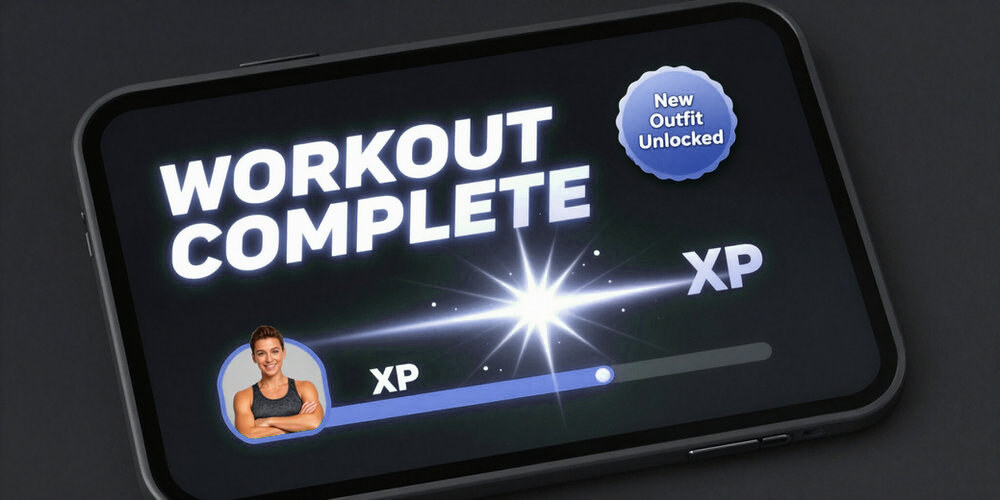
Show up, level up. Your avatar progresses as you log workouts and reach milestones along the way.

Track your own gains or coach a roster of clients. Momentum fits the way you train.
 Every session moves you forward
Consistency looks good on you
The best reward is showing up again. Momentum makes your progress visible, one workout at a time.
Build your avatar as you train, from Rookie through Legend. Your level reflects the work you put in.
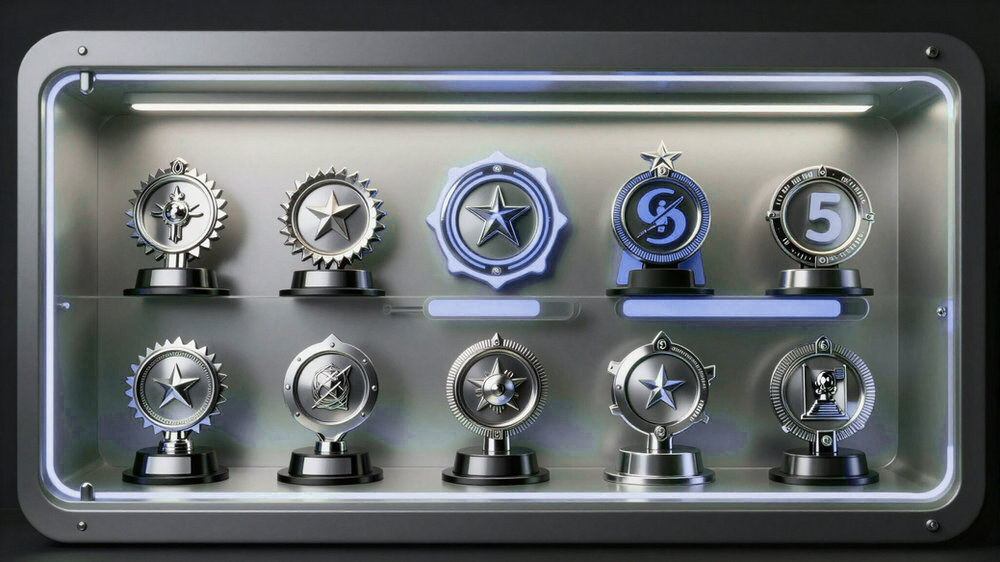
Celebrate personal bests in set weight, workout volume, and distance, and keep your progress moving forward.
For the ones who lead
Take your coaching to the next level. Organize client schedules, follow progress, and build a training ecosystem that works for you.
Start coachingGood work travels
Training is personal. Momentum is better together. Find a workout, share what keeps you moving, and bring your energy to the community.
Frequently asked questions
How Momentum fits into the way you train, coach, and share progress.
Momentum is for people who train on their own and for personal trainers who want to organize client schedules, routines, and progress.
Yes. Log strength sets as well as cardio sessions, including time and distance, so different kinds of training can live in your workout history.
Yes. Choose a personal weekly goal in sessions or minutes during onboarding, and adjust it from Dashboard or Settings. Completed workouts update your weekly progress, while your lifetime avatar XP keeps accumulating.
You can review a routine before you begin. A trainer can also assign routines to clients, so the plan is ready for them to follow.
From Dashboard, choose Create Workout. Give your routine a name and workout type, then use Add Exercise to choose movements from the exercise library. Set each exercise's goals for reps, weight, time, or distance as appropriate. Use Duplicate set to add another set, arrange the order, and add warm-ups or cool-downs if needed. Choose Save Workout, then preview or start it from your Dashboard library. Your planned goals are separate from the actual results you log during training.
Open the Trainer area and choose Invite Client to share an invite code, or Add Client to send a coaching request using their username. The client must redeem the code or accept the request before you can coach them. Check that the connection is active before assigning a routine or running a session for them.
First create and save the routine. In the Trainer area, open the client's profile and choose Assign Workout. Select the saved routine and recipient, add optional instructions and a due date, then confirm the assignment. It appears on the client's Dashboard, including their library, so they can preview and start it before the due date.
Yes. In the Trainer area, select your connected client and choose Run Session, then pick a saved workout in the Run Session for Client dialog. Check the client shown before starting, log their actual results as you coach, and finish the session when you are done. The completed workout belongs to the client's history, not your own personal workout history. Assigning a routine alone does not record a completed session.
Select a connected client in the Trainer area to review their workout history, training statistics, and available analytics. Use their completed results to guide future routines. A coaching connection is separate from a public profile: clients do not need to make their workout history public for their connected trainer to review their training.
Yes. Enter a decimal such as 0.3 or .3 in the distance field. Check the displayed distance unit before logging; 0.3 means three-tenths of that unit, not three miles or kilometers. Use the latest app update if your phone does not accept decimal entry.
Anyone can browse and preview approved routines on the public Community page. Log in to save a routine to your own library, then find it on Dashboard to preview or start a workout. Saving a routine is different from completing it; your workout results are recorded when you train.
Sets are saved as you log them. When you are done training, explicitly finish the workout in the app to mark the session complete.
No. Avatar XP is lifetime XP: it accumulates over time rather than resetting with the weekly consistency goal.
Community workouts go through an approval process before appearing publicly. Sharing a workout does not automatically make it public.
No. Public profiles are optional. You can use Momentum without choosing to make your profile public.
Need a hand?
For help with Momentum, email our support team. A little context helps us understand what happened.
Email supportInclude your app version, phone and operating system, and the steps that led to the issue. Please never send passwords, payment details, or private workout data.